
- Amaranath Pokuri
- 16 Jul, 2026
Veritas SAN Migration — Mirror First, Remove Second
Sub-topic under Physical Hardware and Veritas clustering. Cluster failover order is one skill. Moving the disks underneath without deleting the only live plex is another — and the second one is where I’ve seen people panic. This is the cutover procedure I run when Veritas Volume Manager (VxVM) volumes on a legacy array need to land on new flash storage — plus what broke when the “remove old disk” step ran too early after a VMware migration. Page: Veritas Clustering. The rule I repeat on every bridge call Mirror onto the new array first. Wait until sync is clean. Only then remove the old side. If you remove the wrong plex while the volume is running on a single path, you don’t get a graceful migration — you get an outage and a very long night. Happy-path cutover (both cluster nodes) Assuming storage has already zoned new LUNs to both nodes and the cluster is healthy:Scan — OS rescan on both nodes, then vxdisk scandisks on each. Initialize new disks — vxdisksetup -i <new_disk> format=cdsdisk Add to disk group — vxdg -g <DG_Name> adddisk <new_disk_name>=<device> Mirror each volume — vxassist -g <DG_Name> mirror <Volume_Name> <new_disk_name>Use -b for background sync if your change window allows it. Watch sync — vxtask list until state is CLEAN; confirm with vxprint -htg <DG_Name>. Remove old mirror — vxassist -g <DG_Name> remove mirror <Volume_Name> <old_disk_name> Drop old disk from DG — vxdg -g <DG_Name> rmdisk <old_disk_name> Reclaim / unmap — storage team unmaps old LUNs only after VxVM layout is clean.Before step 6 I always run vxprint -g <DG_Name> -ht and sanity-check which plex is ACTIVE and RW. Paper diagram beats muscle memory when you’re tired. When the OS sees disks but Veritas doesn’t After a rescan, lsblk may show devices while vxdisk list does not. Typical recovery: # OS-level rescan (repeat per HBA host if needed) echo "- - -" > /sys/class/scsi_host/host0/scan# Veritas rescan vxdisk scandisksIf disks show online invalid or you suspect a clone/duplicate identity after storage work, check for UDID mismatch: vxdisk -v list | grep udid_mismatch vxdisk updateudid <device_name>Skipping that step and forcing adddisk anyway is how you get volumes that look fine until the next reboot. The mistake that almost cost us: TEMPRMSD During a VMware-side migration, one plex went TEMPRMSD (temporarily removed). Veritas had lost access to the underlying disk path, marked that side out of sync, and the volume was effectively running on one plex in WO (write-only) mode. The trap: the plex we wanted to remove was the only active data path. Removing it would have dropped the last good copy. Wrong: “Old array LUN is unmapped — remove that disk from the DG now.”Right: Re-attach and resync the missing plex first, then remove the old side. Recovery pattern: # Re-attach the TEMPRMSD plex and start resync from the good side vxplex -g <DG_Name> att <Volume_Name> <Volume_Name>-02# Monitor until both plexes are ACTIVE / RW vxtask list vxprint -g <DG_Name> -ht <Volume_Name>Only when both sides are healthy: vxplex -g <DG_Name> -o rm dis <Volume_Name>-01 vxdg -g <DG_Name> rmdisk <old_disk_name> vxprint -g <DG_Name> -htThe -o rm on vxplex dis removes the plex structure after dissociating it — don’t run that until you’re sure which side holds production data. How this ties to VMware work Storage migration and vMotion / datastore moves often happen in the same program. VxVM doesn’t know your project plan — it only knows whether both paths to a mirror are still valid. My order when both teams are involved:Confirm multipath clean on both cluster nodes before any VM storage move. Mirror to new array and finish sync before decommissioning old LUNs. Treat any TEMPRMSD or WO plex as a stop sign, not a cleanup shortcut. Failover test after storage cutover, not as a substitute for verifying mirrors.If the cluster mount resource still points at an old device path after re-zoning, fix that before blaming Veritas agents — same theme as Veritas clustering. Quick referenceSymptom First lookVolume on one plex only vxprint -htg <DG_Name> — check ACTIVE vs TEMPRMSDSync stuck or slow vxtask list, backend array performanceDisk visible in OS, not in VxVM Rescan + vxdisk scandisks + UDID checkAbout to rmdisk Confirm no volume layout still references that diskRelated: Veritas clustering · vCenter 8 / ESXi 8 preflight · Cisco UCS notes · Physical hardware · VMware
- Amaranath Pokuri
- 15 Jul, 2026
Veritas Clustering: High Availability Fundamentals
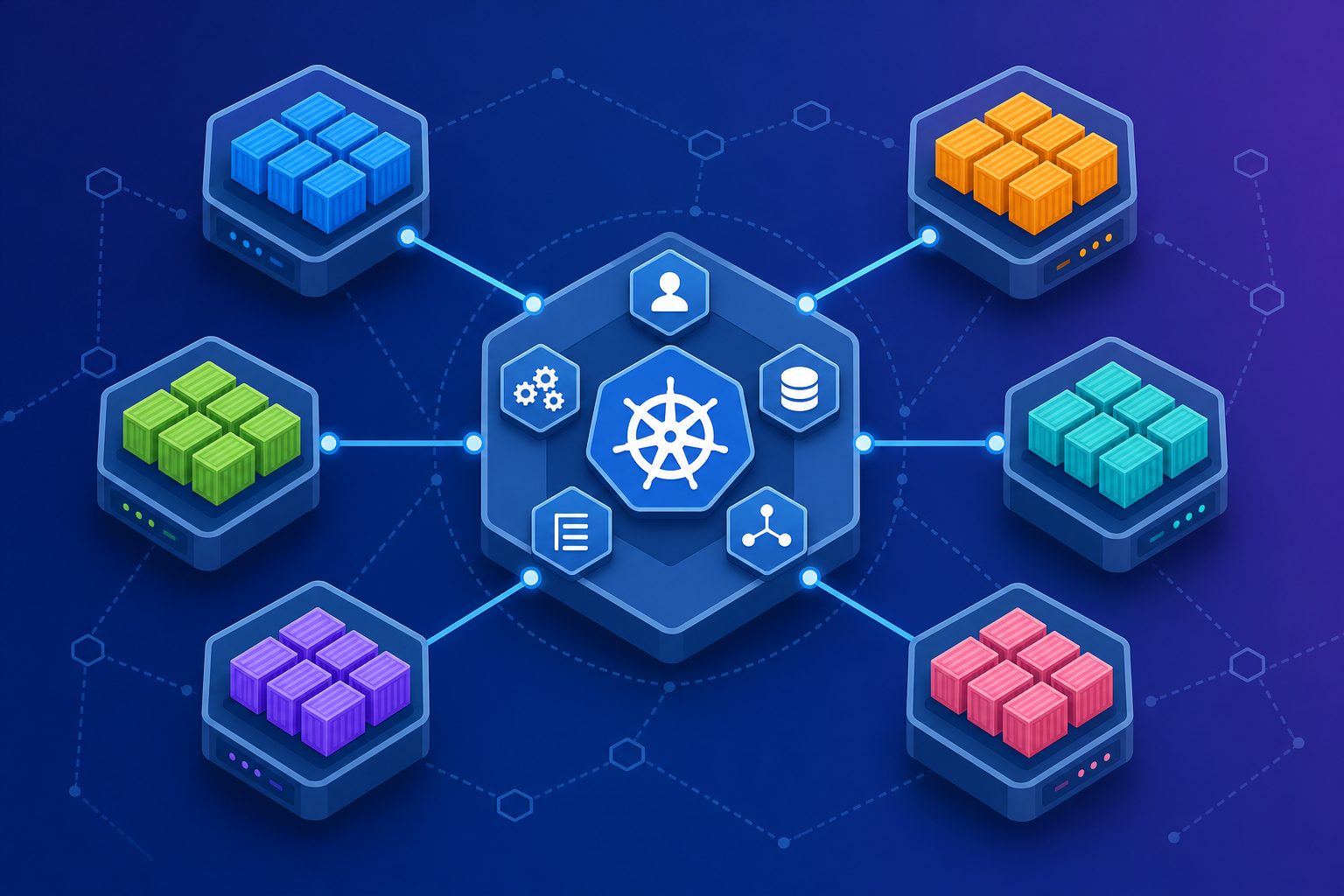
Veritas clustering sits at the heart of many enterprise HA environments. When it's configured well, failover feels invisible. When it's not, outages become memorable for the wrong reasons. I've documented the mental model — service groups, resources, heartbeats, agents, and dependencies — along with common pitfalls and a pre-change checklist for production clusters. Read the full guide: Veritas Clustering Start with the dependency map before touching production. Everything else follows from there.
- Amaranath Pokuri
- 11 Jul, 2026
Docker and Kubernetes: Containers in Production
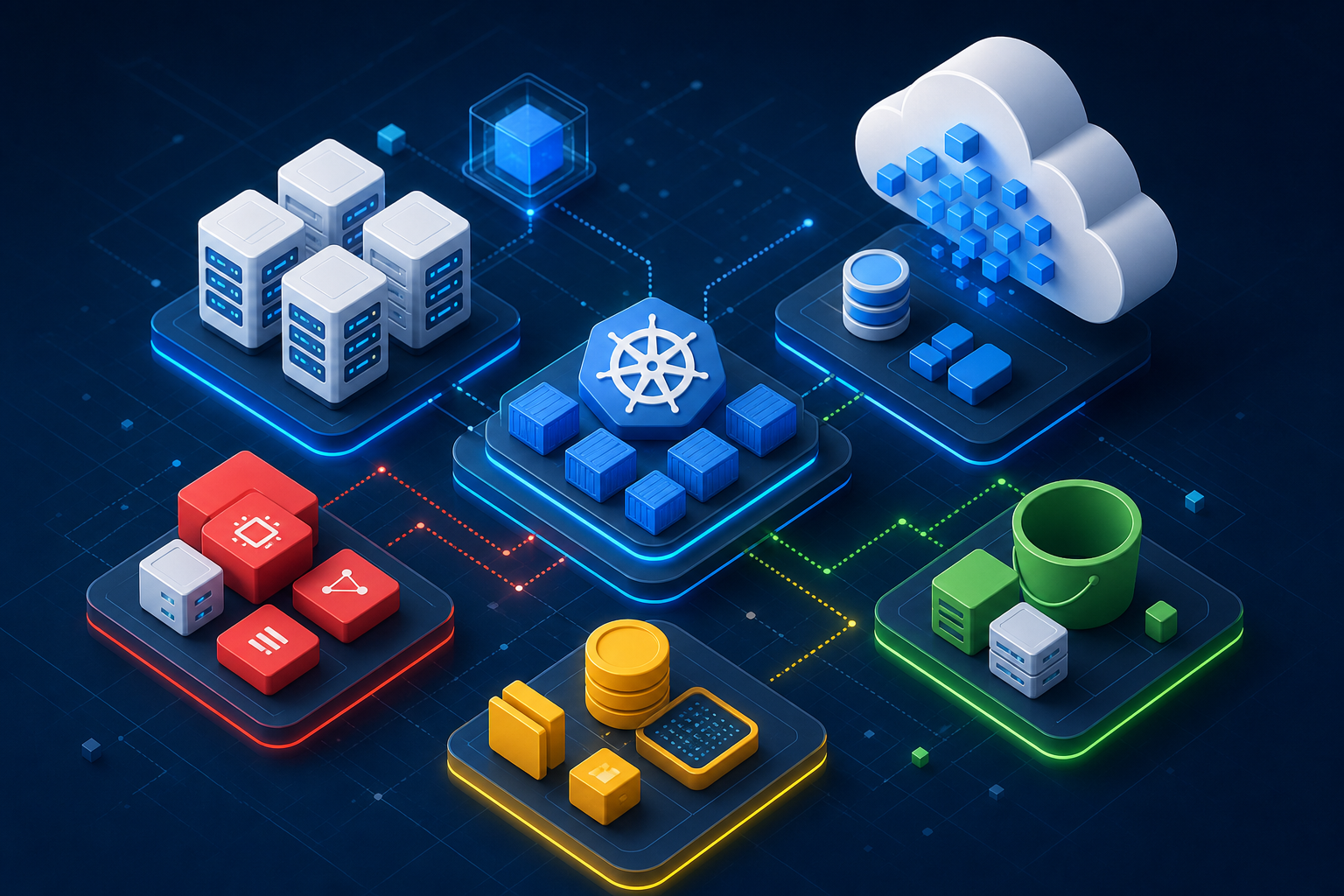
Containers changed how infrastructure teams ship software. Docker handles build, ship, and run on a single host; Kubernetes takes over when you need self-healing, scaling, and rolling updates across a cluster. I've put together a practical reference covering Docker core concepts, a sample Dockerfile, Kubernetes building blocks, and how both tools connect to CI/CD and cloud migration work. Read the full guide: Docker & Kubernetes Coming from VMware? From VMware to Kubernetes explains how VMs map to Pods before you dive into orchestration details. Start by containerizing one real application, then move to a small cluster when you're ready for orchestration.
- Amaranath Pokuri
- 08 Jul, 2026
Google Cloud Platform for Infrastructure Engineers
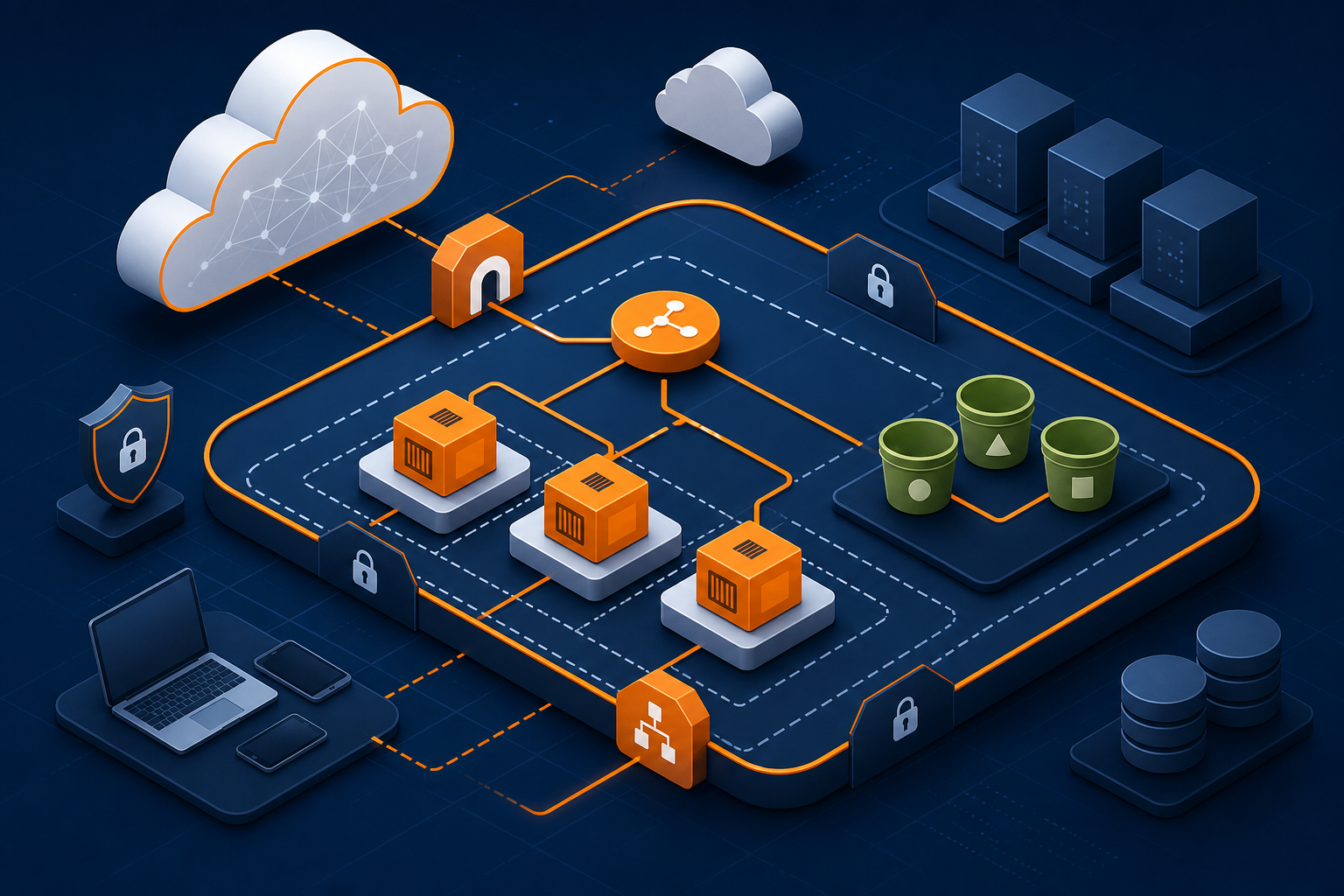
Google Cloud Platform provides compute, networking, storage, and managed services with a strong focus on automation and Kubernetes. For infrastructure engineers, the learning curve starts with projects, IAM, VPC design, and Compute Engine operations. I've organized the core service map, a certification-aligned learning path, and the mindset shifts that matter when moving from on-premises habits to GCP. Read the full guide: GCP Even when production stays on-premises, GCP skills help with DR targets, test environments, and container strategy.
- Amaranath Pokuri
- 03 Jul, 2026
AWS Fundamentals for Infrastructure Engineers
AWS is often the first public cloud platform infrastructure engineers encounter when workloads move beyond traditional data centers. Understanding EC2, VPC, IAM, S3, and the hybrid connectivity model makes migration and day-two operations much easier. I've mapped traditional infrastructure concepts to their AWS equivalents and outlined a phased migration pattern that reflects how most enterprises actually move workloads. Read the full guide: AWS Start with IAM and VPC design — those decisions are the hardest to unwind later.