From VMware to Kubernetes
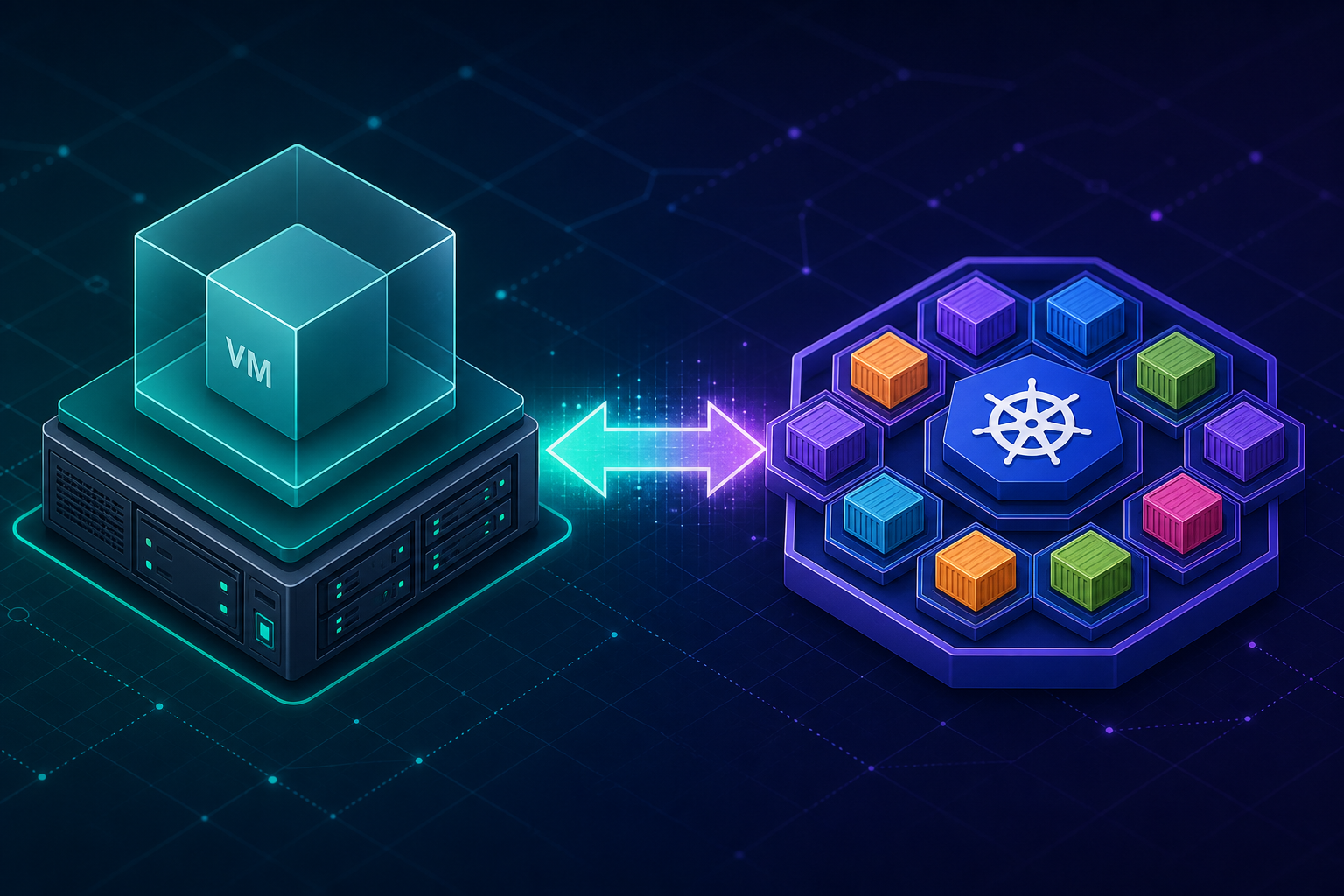
When I started learning Kubernetes after years of VMware work, the architecture felt oddly familiar. In vSphere, everything revolves around the virtual machine. In Kubernetes, everything revolves around the Pod and the containers inside it.
Both platforms exist to run workloads reliably across a pool of machines without you caring which specific host runs what. That parallel is real — and it is a useful way to learn.
But Kubernetes is not “VMware with smaller VMs.” It is a different operating model: application-centric, immutable, and built around ephemeral workloads rather than long-lived virtual machines.
This page is the map I wish I had on day one. Part of my Infrastructure learning notes.
The core analogy
| VMware | Kubernetes | What it does |
|---|---|---|
| Virtual Machine (VM) | Pod / Container | The core compute unit running your application. |
| ESXi hypervisor | Container runtime + kubelet | The host agent and runtime engine that manages hardware/OS access and executes the running workloads. |
| vCenter | Control plane (API server, scheduler, controllers) | The central brain managing cluster state, scheduling, and admin commands. |
| Cluster / Datacenter | Kubernetes cluster | The overall pool of combined host machines (nodes) managed together as a single resource pool. |
| Physical host | Worker node | The bare-metal or virtual server running the actual workloads. |
| VM template / OVF | Container image | The read-only package containing everything needed to deploy and run your application workload. |
| DRS (placement) | Scheduler | Automatically places workloads on hosts based on resource availability. |
| HA (restart failed VM) | ReplicaSet / Deployment self-healing | Detects failed nodes/workloads and automatically restarts them elsewhere. |
| vSwitch / NSX | CNI plugin (Calico, Cilium, Flannel, etc.) | Software-defined networking connecting compute units together. |
| Datastore / vSAN | PersistentVolume + StorageClass | Decoupled, persistent storage attached to running workloads. |
| Resource pool | Namespace/Resource requests and limits | Logical isolation for tenancy, resource quotas, and access control. |
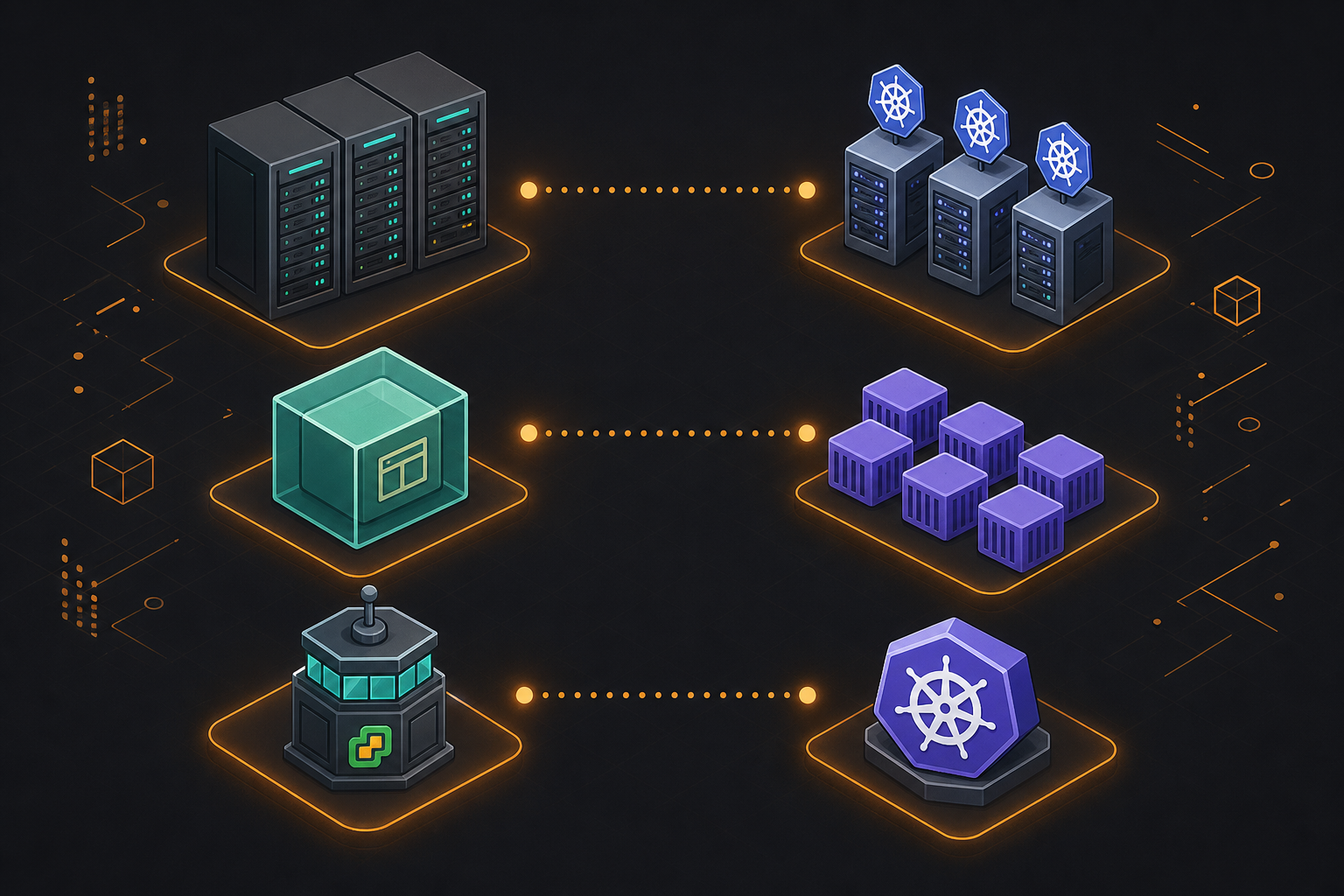
If you squint at a Kubernetes diagram through VMware-colored glasses, a lot of it clicks:
- Nodes are your ESXi hosts
- The control plane is your vCenter brain
- Pods are your workloads — the reason the whole platform exists
- Controllers continuously reconcile the cluster toward a declared desired state
Both systems are declarative. You describe what you want, and the platform keeps making it so when things drift or fail.
What maps cleanly
Scheduling and placement
VMware DRS decides where a VM should live based on load, affinity rules, and resource availability.
The Kubernetes scheduler does the same for Pods — picking a node based on available CPU and memory, node selectors, affinity and anti-affinity, taints, and tolerations.
If you have ever fought with DRS rules or host groups, you will recognize the same trade-offs — just expressed as YAML instead of vCenter wizards.
High availability through reconciliation
When a VM fails on a host, VMware HA restarts it elsewhere.
When a Pod dies on a node, a ReplicaSet (usually managed by a Deployment) creates a replacement. The cluster does not repair the Pod in place — it replaces it.
The outcome feels similar: the application comes back. The mechanism is different: recreate, not revive.
Networking and service discovery
In VMware, you think about port groups, VLANs, distributed switches, and optionally NSX for micro-segmentation and load balancing.
In Kubernetes:
- Every Pod gets its own Pod IP on a cluster-wide overlay network (via a CNI plugin)
- A Service provides a stable virtual IP and DNS name in front of a set of Pods
- An Ingress (or Gateway API resource) handles HTTP routing from outside the cluster
There is no one-to-one “vSwitch per host” picture. Think of it as software-defined networking built into the orchestration layer.
Storage — attached, but decoupled differently
VMware: a VMDK is tightly associated with a VM. Snapshots, cloning, and storage vMotion are VM-centric operations.
Kubernetes: storage is requested through a PersistentVolumeClaim (PVC). The Pod is ephemeral; the volume often outlives it. For stateful applications, StatefulSets add stable network identity (app-0, app-1, …) and predictable volume binding.
The habit to unlearn: in Kubernetes, you generally do not log into the Pod and manage disks. You declare storage requirements and let the platform bind them.
Where the analogy breaks down
Understanding the differences is what separates a confused VMware admin from a productive one.
Containers are not VMs
This is the single most important distinction.
| Virtual Machine | Container |
|---|---|
| Full guest OS (own kernel + userspace) | Shares the host kernel |
| Hardware-assisted isolation | Process isolation (namespaces, cgroups) |
| Heavier: gigabytes, minutes to boot | Lighter: megabytes, seconds to start |
| You patch and manage the guest OS | You ship only the application and its dependencies |
A Pod is closer to a group of co-located processes than to a virtual machine. Isolation is real, but it is not the same class of boundary as a VM.
Kubernetes is application-centric, not machine-centric
In VMware, the unit of thought is often:
“This VM runs SQL Server / Exchange / a domain controller.”
In Kubernetes, the unit of thought is:
“This Deployment runs version 2.3 of my API with five replicas, a rolling update strategy, and a ClusterIP Service.”
Layers like Deployment, ReplicaSet, DaemonSet, and StatefulSet have no direct VMware equivalent. They are first-class application lifecycle primitives — not something you bolt on with scripts and Update Manager.
There is no vMotion
Kubernetes does not live-migrate a running container to another node the way vMotion moves a running VM.
When a node is drained or fails, Pods are terminated and recreated elsewhere. For stateless applications, that is a feature. For stateful ones, it requires deliberate design: PersistentVolumes, PodDisruptionBudgets, anti-affinity rules, and sometimes dedicated operators.
If your mental model expects seamless in-flight migration, adjust it early.
Immutability replaces in-place surgery
The VMware workflow many of us internalized:
- SSH or console into the VM
- Install a patch or edit a config file
- Reboot
- Snapshot before the next change
The Kubernetes workflow:
- Build a new container image with the change
- Update the Deployment (or let a GitOps pipeline update it)
- Rolling update replaces old Pods with new ones
- Roll back by redeploying the previous image tag if needed
You rarely fix a running Pod. You replace it. Treat Pods as cattle, not pets — even when the application inside is stateful (then use StatefulSets and operators, not SSH).
Weaker default isolation boundaries
A VM on ESXi is a hard boundary. Kubernetes multi-tenancy relies on softer controls:
- Namespaces for logical separation
- RBAC for who can do what
- NetworkPolicies for traffic segmentation
- ResourceQuotas for capacity limits
That can be enough — especially with policy engines (OPA/Gatekeeper, Kyverno) or virtual cluster solutions. But it is not automatic the way a hypervisor boundary is.
Quick-reference map
VMware                              Kubernetes
──────────────────────────────────────────────────────────
VM                          ≈       Pod (one or more containers)
Template / OVF              ≈       Container image
ESXi host                   ≈       Worker node
vCenter                     ≈       Control plane
Cluster                     ≈       Cluster
Port group / VLAN           ≈       CNI network + NetworkPolicy
NSX load balancer           ≈       Service (LoadBalancer / NodePort)
Internal DNS                ≈       CoreDNS + Service discovery
DRS                         ≈       Scheduler
HA (restart VM)             ≈       ReplicaSet self-healing
Update Manager              ≈       Rolling update via Deployment
Snapshot                    ≈       Not equivalent (use backups / PV snapshots)
vMotion                     ✗       No direct equivalent
Guest OS management         ✗       Not your job — only the image matters
Console / SSH troubleshooting ≈     kubectl logs, exec, debug containers (sparingly)
Use the ”≈” rows to transfer intuition. Respect the ”✗” rows to avoid costly mistakes.
Three habits to build early
1. Think in desired state, not in sessions.
Write manifests (or Helm charts, or Kustomize overlays) that describe what should run. Let controllers handle the rest. If you find yourself kubectl exec-ing into Pods to keep things running, something is mis-modeled.
2. Separate compute from storage explicitly.
Stateless app? No PersistentVolume needed — Pods can disappear anytime.
Stateful app? StatefulSet + PVC + backup strategy. Do not assume local disk inside a Pod survives restarts.
3. Learn Services before Ingress.
A Service is how Pods talk to each other reliably. Ingress (or Gateway API) is how external users reach them. VMware admins often jump straight to “how do I get traffic in?” — but internal east-west connectivity is the foundation.
How this connects to my work
Coming from VMware, UCS, and data center operations, I see Kubernetes show up in a few common patterns:
- Lift-and-shift first, refactor later — VMs move to the cloud or a new platform, then teams containerize services incrementally
- Hybrid environments — vSphere still runs legacy workloads while Kubernetes handles newer application platforms
- Automation overlap — Ansible prepares hosts and baseline config; Kubernetes handles application placement and rollout on top
- Operational mindset shift — less guest OS patching, more image versioning, rollout strategy, and observability
The admins who transition fastest are not the ones who memorize every kubectl flag first. They are the ones who remap what they already know (clusters, scheduling, HA, networking, storage) while willingly unlearning what no longer applies (guest OS management, vMotion, in-place patching, VM-as-pet).
Related topics on this blog
- VMware vSphere Essentials
- Docker & Kubernetes
- Infrastructure overview
- vCenter 8 and ESXi 8 upgrade notes
- About — my background in systems engineering and automation
If you want to go deeper on Deployments, Services, Ingress, or StatefulSets, those are good candidates for follow-up posts.